A no-buy year only works if you can see what’s happening day to day — otherwise it’s just a vague New Year’s resolution that fades by February. The people who actually finish a no-buy year aren’t relying on willpower alone; they’re using a simple tracker that makes every purchase decision visible instead of impulsive.
Table of Contents
This guide walks through exactly how to build that tracker: the rules page that defines your categories, the daily and monthly logs that build your streak, and the wishlist system that catches impulse buys before they happen. We’ve designed the layout below to match the free printable tracker included with this post, so you can start today without building anything from scratch.
Quick Answer
Build your no-buy year tracker around four parts: a rules page that sorts spending into allowed, negotiable, and off-limits categories; a monthly grid where you mark each day as a spend or no-spend day; a wishlist log that forces a waiting period before non-essential purchases; and a short monthly review to spot patterns and adjust.
Step 1: Define Your Rules Before You Track Anything
Every successful no-buy year starts with a written rules page, not a vague goal to ‘spend less.’ Sort your spending into three zones: green (always allowed — groceries, bills, rent, medical, transportation, true replacements for broken essentials), yellow (negotiable with limits — a set number of restaurant meals, one haircut every X weeks, pre-approved gifts), and red (off-limits for the full year — new clothes, impulse electronics, subscription add-ons, home decor). Write the specific categories by name; ‘be better about shopping’ isn’t a rule you can check yourself against, but ‘no new clothing except underwear and shoes’ is.
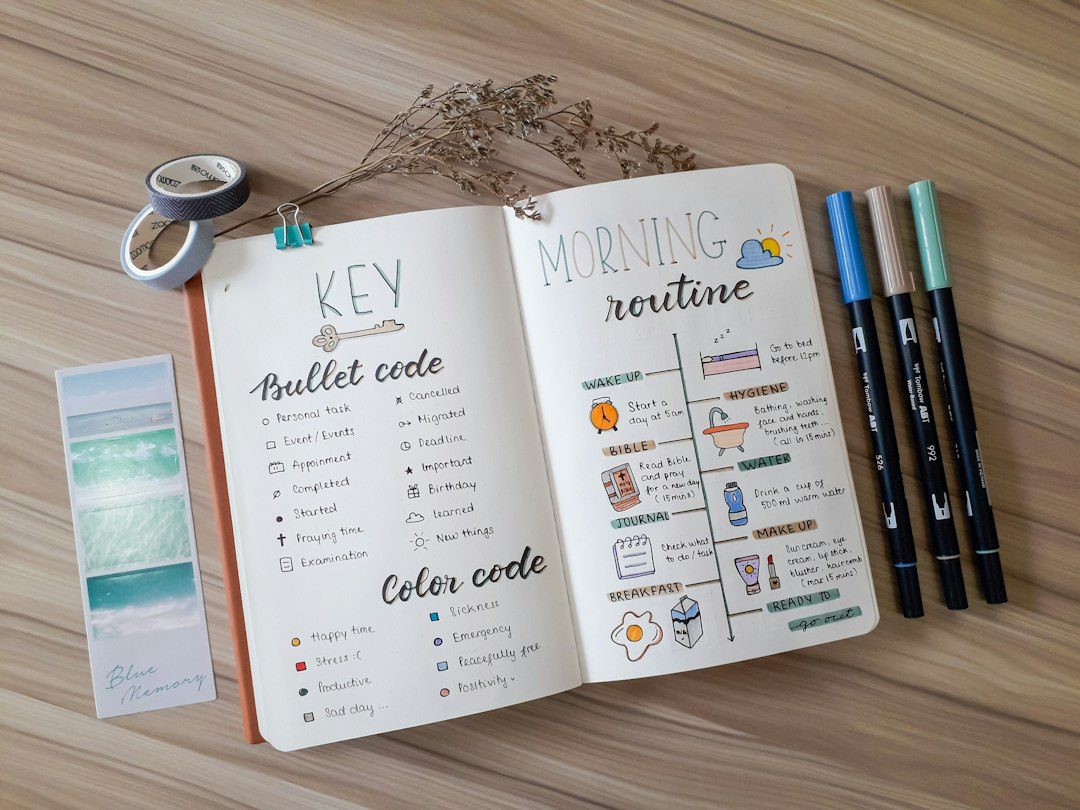
On the printable tracker, this is the first page: three columns labeled Green / Yellow / Red, each with blank lines so you fill in your own categories rather than using someone else’s list. Yellow-zone items also get a small box for your limit (e.g., ‘2x/month’) so the rule is unambiguous on a bad day.
Step 2: Log Daily, Review Monthly
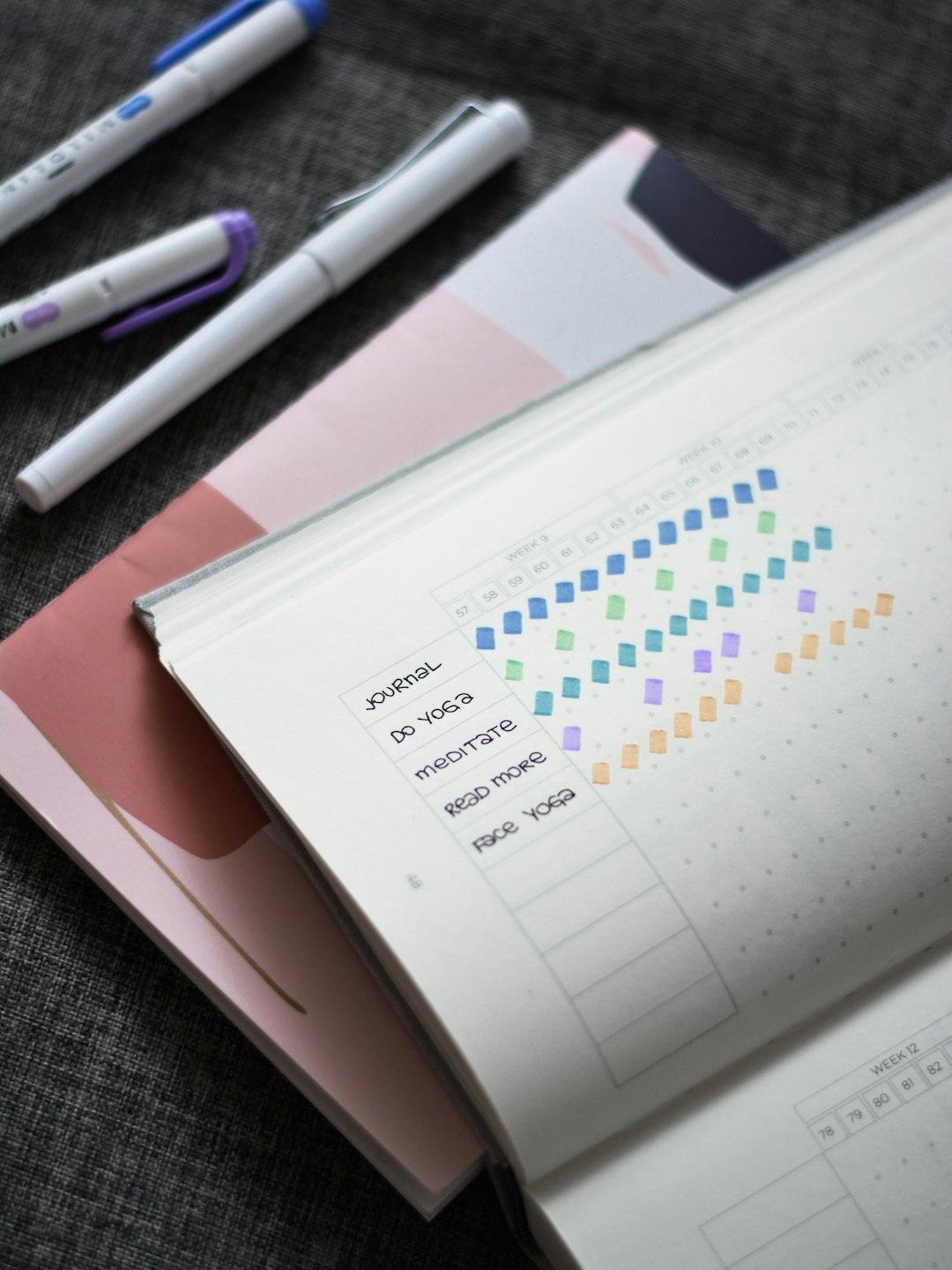
The core of the tracker is a simple daily grid: one row per day, one column per month, with a box to mark a no-spend day versus a day you spent on a yellow- or red-zone item. At the end of each row, a short note column lets you jot what you bought and why — this is what reveals patterns, like spending spiking every Friday night or every time you’re tired or stressed.
At the bottom of each month’s grid, add a quick tally: total no-spend days out of the days in that month, and a running streak count. Seeing ’22 of 30 days’ is motivating in a way that a mental guess never is, and it gives you a concrete number to beat the next month.
Pair the daily grid with a wishlist page using a waiting-period rule: anything you want to buy outside the green zone gets written down with the date, then you set a wait period (30 days is the most common, though some people use 7 or 14 for smaller purchases). You only revisit the item after the wait is up — most of the time, the urge has passed by then. The wishlist table needs four columns: item, date added, eligible date, and a final yes/no decision column you fill in later.
Tips and Common Mistakes
Don’t make your rules so strict that one slip-up feels like total failure — a low-buy hybrid (a small fixed discretionary budget each month, commonly in the $20–$50 range) sustains motivation better than an all-or-nothing ban for most people, especially in year one.
Track the save, not just the skip: add a simple savings log next to your daily grid where you note the dollar amount you didn’t spend on a wishlist item once the waiting period expires and you decide to pass. Watching that number grow is often more motivating than the streak count alone.
Review monthly, not just at year-end. Five minutes flipping back through your notes column each month end will show you your actual spending triggers — stress, boredom, specific stores, specific people — far better than trying to remember the whole year in December.
The most common mistake is designing an elaborate system and abandoning it by week three because it’s too much upkeep. Keep the daily mark a single checkbox, not a journal entry; save the detailed notes for your monthly review instead of every single day.
Explore more: more habit-building guides.
No-Buy Year Tracker FAQs
What’s the difference between a no-buy year and a low-buy year?
A no-buy year bans all non-essential spending with no exceptions besides genuine emergencies. A low-buy year allows a small, fixed discretionary budget each month (often $20–$50) for non-essentials. Low-buy is generally easier to sustain for a full year.
What should count as ‘essential’ on my tracker?
Essentials typically include housing, utilities, groceries, insurance, healthcare, and transportation needed for work or daily life. Everything else — clothing, electronics, décor, entertainment subscriptions, takeout — usually belongs in your yellow or red zone, based on your own rules.
How long should the wishlist waiting period be?
30 days is the most common waiting period for non-essential purchases, since it’s long enough for impulse urges to fade. Some people use a shorter 7–14 day wait for smaller purchases and reserve the full 30 days for bigger-ticket wants.
Skip the Spreadsheet — Track It in ZenDuel
Habit streaks, mood tracking, and accountability duels in one free app — no template maintenance required. Get ZenDuel.
Want a calmer inbox? Subscribe to the free newsletter.
Photo by Prophsee Journals on Unsplash.
