You’ve decided to start tracking your mood, which is the easy part. The hard part is picking a format you’ll still be using in six weeks instead of abandoning after four days, which is what happens to most trackers, digital or paper.
Table of Contents
This guide breaks down what digital mood tracker apps and paper mood logs each do well, where they fail people, and how to figure out which one actually fits your habits. It also walks through exactly how to lay out a paper mood tracker so the free printable log below is ready to use.

Quick Answer
Neither format is objectively better. Digital mood trackers win on reminders, automatic trend graphs, and searchable history; paper mood trackers win on being screen-free, private, and harder to forget about since they’re not competing with your phone’s other notifications. Pick based on whether your problem is forgetting to log (digital helps) or feeling disconnected from an app (paper helps) — and a hybrid approach, like a paper log you photograph weekly, works well for a lot of people.
What Each Format Actually Does Well
Mood tracker apps such as Daylio, Bearable, and How We Feel let you log in seconds with taps instead of writing, send push reminders if you forget, and turn weeks of entries into charts that show patterns you’d never spot by flipping through pages. Daylio is built for speed with minimal typing, Bearable adds more detail like energy, sleep, and symptoms alongside mood, and How We Feel focuses on helping you name emotions more precisely with a free, clinically-informed design. If your goal is spotting correlations — mood dips after bad sleep, better days after exercise — software does that math for you automatically.
Paper mood trackers remove the phone from the equation entirely, which matters if checking your phone to log a mood turns into checking three other apps first. There’s no account to create, no subscription, no sync issues, and nothing to export if you switch methods — you just keep the page. Writing by hand also forces a brief pause before you log, which some people find makes the reflection more honest than a quick tap. The tradeoff is that spotting trends across months means flipping back through pages yourself instead of glancing at a graph.
How to Tell Which One You’ll Stick With
Be honest about your actual phone habits. If your phone is already in your hand constantly, an app adds almost no friction and the reminder notification will catch you. If picking up your phone to log a mood reliably turns into ten minutes of scrolling, that friction will sink the habit fast, and paper avoids it entirely.
Think about where you’ll actually be when you want to log. A paper tracker works best kept somewhere you already sit daily — a nightstand, a desk, next to your coffee maker. If your days are spent out of the house without a notebook on hand, digital travels better.
Consider cost and privacy too. Most basic paper tracking is free once you have the sheet; some mood apps gate trend charts or extra tracking fields behind a paid tier. If you’d rather your mood data not live on a company’s servers, paper keeps it entirely offline.
If you genuinely can’t decide, don’t treat it as permanent. Try paper for two weeks, then an app for two weeks, and notice which one you reached for without having to remind yourself.
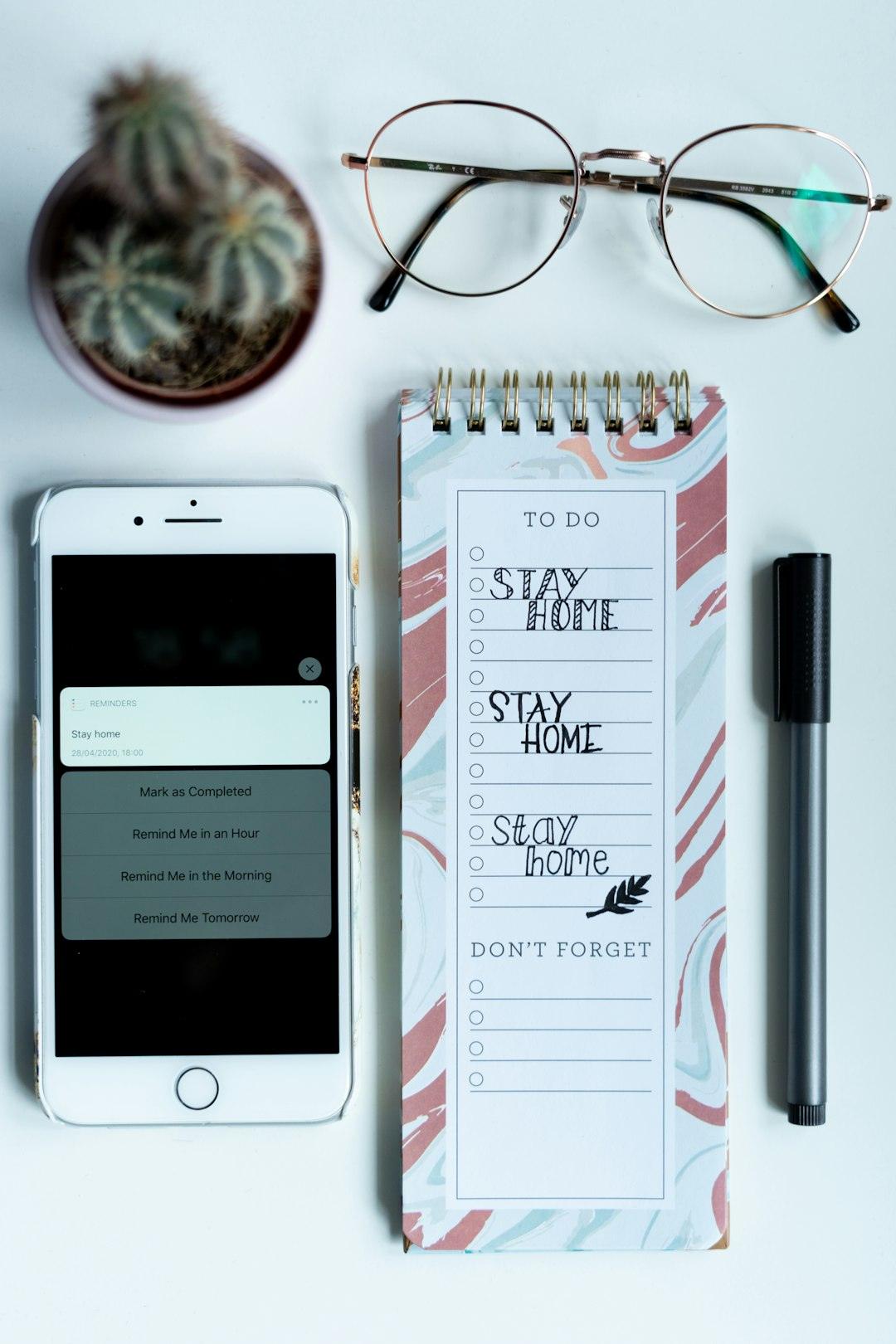
How to Lay Out a Paper Mood Tracker
A paper mood tracker works best as a single monthly grid rather than a full page per day, since a full page is what causes most people to quit. Use one row per day of the month (31 rows) and keep the columns simple: Date, Mood (a 1-5 scale or a colored circle you fill in), Energy level (also 1-5), Sleep (hours, optional), and a short Notes column for one triggering event or win. Keep each row shallow enough that the whole month fits on one page — that’s what makes it fast enough to actually fill in daily.
Add a small key at the top explaining what each mood number or color means (for example, 1 = low, 3 = neutral, 5 = great) so you don’t have to remember your own scale weeks later. Leave a short reflection block at the bottom of the page for a few lines on patterns you noticed that month — what helped, what didn’t. That’s the layout used in the free printable mood tracker attached to this post, in both a standard letter-size PDF you can print at home and a spreadsheet version if you’d rather fill it in on a computer.
Tips / Common Mistakes
Don’t over-design your tracker before you’ve used it for a week. Elaborate color-coding systems and ten-field logs look great empty and get abandoned fast — start simple and add fields later only if you actually miss them.
Don’t skip days and then try to fill them in from memory days later; mood recall gets unreliable fast, and a string of guessed entries undermines any pattern you’re trying to spot. If you miss a day, just leave it blank and move on.
Don’t rely on willpower alone to remember a paper log — pair it with an existing habit, like filling it in right after brushing your teeth, rather than hoping you’ll think of it.
If you’re using an app, turn on the daily reminder notification immediately. Most mood tracker abandonment happens because the prompt to log never arrives, not because the app itself was bad.
Explore more: more mental health tracking guides.
Digital vs. Paper Mood Trackers FAQs
Is a digital or paper mood tracker better for therapy?
Either works, but ask your therapist what they prefer to review — many like app exports (Daylio, for example, supports CSV export on its free plan and PDF export on its premium plan) because they’re easy to scan for trends between sessions. A photographed paper log works too if you’d rather keep your data off an app.
What’s the minimum I need to track to make a mood log useful?
Just a date and a mood rating is enough to start. Energy, sleep, and a one-line note about what happened that day add useful context, but adding too many fields up front is the most common reason people quit within the first week.
Can I switch from paper to digital (or back) without losing my data?
Yes. If you’ve been using paper, you can manually enter past entries into an app, or just start the app fresh and keep the paper pages as your earlier history. Switching formats doesn’t erase the pattern-recognition value of what you already tracked.
Skip the Spreadsheet — Track It in ZenDuel
Habit streaks, mood tracking, and accountability duels in one free app — no template maintenance required. Get ZenDuel.
Want a calmer inbox? Subscribe to the free newsletter.
Photo by pure julia on Unsplash.