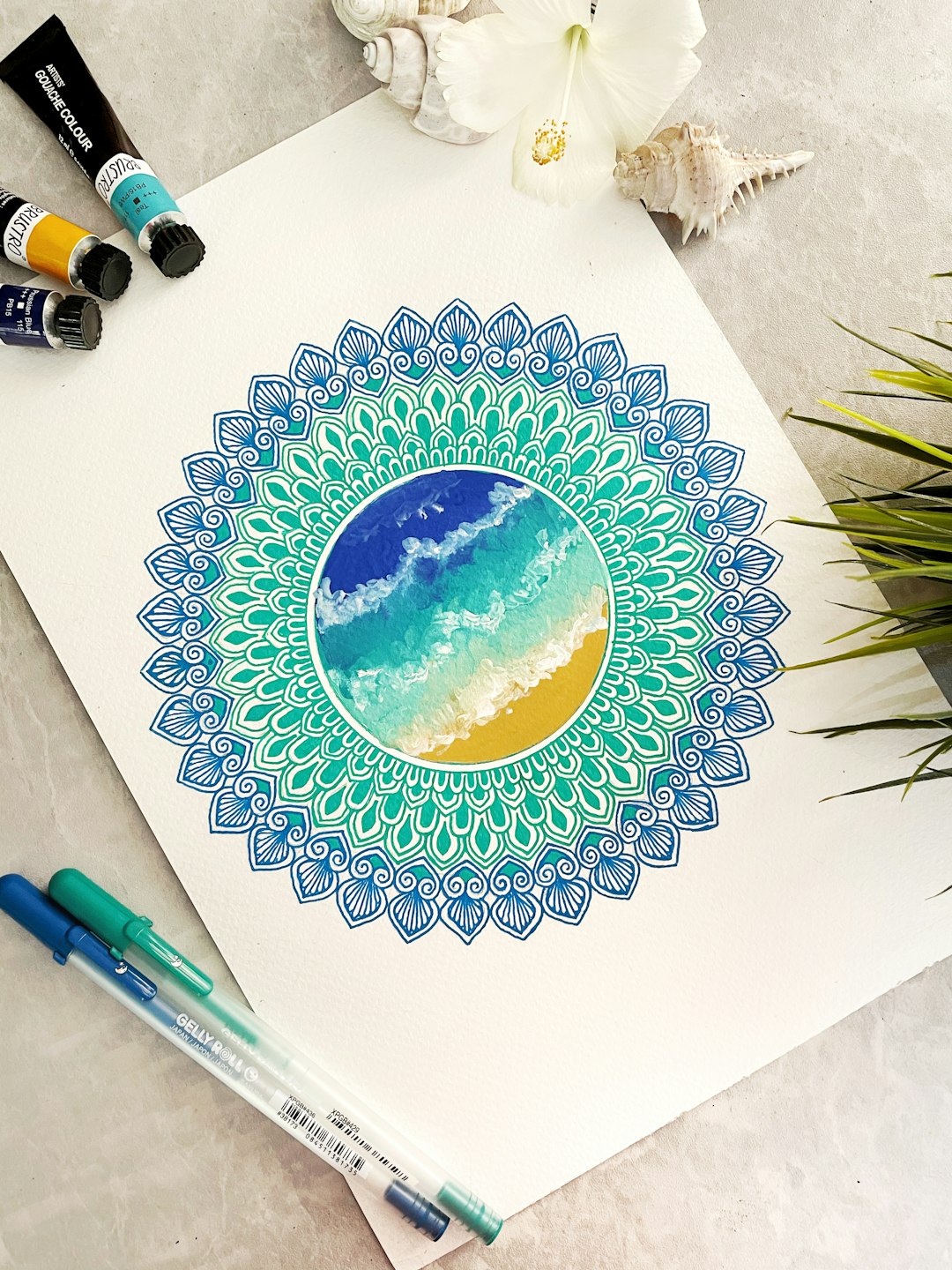
A grid full of tiny checkboxes gets the job done, but it rarely makes you want to pick up a pen. A circle habit tracker flips that: instead of rows and columns, you fill in wedges and rings that slowly bloom into a mandala over the course of a month. It’s the same accountability as a standard tracker, just built around a shape that’s more satisfying to look at and easier to scan at a glance.
Table of Contents
Below you’ll find a quick answer on how the layout works, a step-by-step guide to filling one in (whether you print a template or draw your own), and the mistakes that make most circle trackers get abandoned by week two.
Download the Free Circle Habit Tracker PDF
Our own printable — free, no sign-up, no email required. A 31-day wheel with six habit rings, a ring key and space for a monthly reflection. Portrait US Letter (prints fine on A4).
Quick Answer
A circle habit tracker (also called a mandala habit tracker) uses a wheel divided into rings and wedges instead of a grid. Each ring usually represents one habit, and each wedge within that ring represents one day of the month; you color or check off a wedge every time you complete that habit, so the circle fills in like a piece of art as the month goes on.
How to Use a Circle Habit Tracker, Step by Step
Start by picking 3-6 habits you actually want to track — more than that and the rings get too thin to color in comfortably. Common choices are things like drink water, move your body, read, sleep on time, or a daily gratitude note. Write the month at the top of the page and list your habits along the edge or center of the circle, one per ring, working from the innermost ring outward.
Each ring is divided into the number of days in the month (28-31 slim wedges). Every day, work your way around the wheel and fill in the wedge for any habit you completed — pick one color per habit so a glance at the tracker tells you which habits are strong and which are slipping, without reading a single label.
If you’re using a printable PDF, print it at the start of the month and keep it somewhere you’ll actually see it daily: taped inside a planner, on the fridge, or next to your coffee maker. If you’re drawing your own, a compass or a round plate to trace, plus a ruler to mark even wedges, is all you need — you don’t have to get the geometry perfect for it to work.
At the end of the month, look at the finished mandala as a whole. Full, solid rings mean a habit is locked in; patchy or empty rings point to which habit needs a smaller, easier version next month rather than more willpower.
Choosing the Right Version for You
Printable circle trackers generally come in two styles. A single-ring or nested-ring wheel focuses on just one or two habits and is easiest for beginners, since there’s more room per day and less risk of the page turning into a cluttered blur. A multi-ring mandala with 5+ habits looks more impressive when finished but takes more careful coloring and works better for people who already have a steady tracking habit.
Undated templates are worth choosing over dated ones if you tend to start habits mid-month or restart trackers often — you just write in the month yourself and reuse the same PDF indefinitely instead of hunting for a new one every time. If you print a lot of trackers, saving the file as a reusable template (and printing a stack at once) removes one more excuse to skip a month.
Tips / Common Mistakes
Tracking too many habits at once is the number one reason circle trackers get abandoned — the rings become too thin to fill in accurately and the page feels like a chore instead of a reward. Start with 3-4 habits and add more only once those feel automatic.
Skipping a color legend is a small mistake with a big cost: without one, you’ll forget which ring is which by week two. Jot the habit name and its color right next to the ring before you start filling it in.
Don’t wait until evening to fill in the whole day at once if you can help it — marking each habit right after you complete it keeps the tracker accurate and turns it into a small reward in the moment rather than an end-of-day memory test.
Finally, don’t treat a missed day as a failure that ruins the mandala. An unfilled wedge here and there is normal; the value of the circular layout is that it shows patterns over the whole month, not a single perfect streak.
Explore more: more habit-building tools and guides.
Circle Habit Tracker Printable (Mandala Style) FAQs
What’s the difference between a circle habit tracker and a regular grid tracker?
A grid tracker uses rows (habits) and columns (days) of checkboxes. A circle or mandala tracker maps the same information onto a wheel, with each ring as a habit and each wedge as a day, so the finished page reads as a pattern rather than a spreadsheet.
How many habits should I track on a circle tracker?
Most people do best with 3-6 habits. Fewer rings means more room to color each wedge accurately and makes the tracker faster to fill in daily, which is what keeps the habit of tracking itself going.
Can I make my own circle habit tracker instead of printing one?
Yes — trace a round plate or use a compass to draw the outer circle, add evenly spaced rings for each habit, and divide each ring into wedges for the days in the month using a ruler. It doesn’t need to be perfectly symmetrical to work.
Do I need a dated or undated template?
Undated templates are more flexible since you fill in the month yourself and can reuse the same file whenever you start a new tracking period, rather than needing a fresh dated PDF each time.
Skip the Spreadsheet — Track It in ZenDuel
Habit streaks, mood tracking, and accountability duels in one free app — no template maintenance required. Get ZenDuel.
Want a calmer inbox? Subscribe to the free newsletter.
Photo by Jayshree Sharma on Unsplash.
