Homeschool mornings fall apart fast when chores, school subjects, and routines all live in your head instead of on paper. A habit and routine tracker fixes that by giving every task — from “brush teeth” to “finish math lesson” — its own visible checkbox, so kids can see what’s done and what’s left without asking you every five minutes.
Table of Contents
The free printable (PDF) and spreadsheet (XLSX) versions are in the download box at the top of this post — no sign-up needed. This guide walks through how both are laid out, plus the exact steps to rebuild the same structure as a Notion database if you’d rather run it digitally.
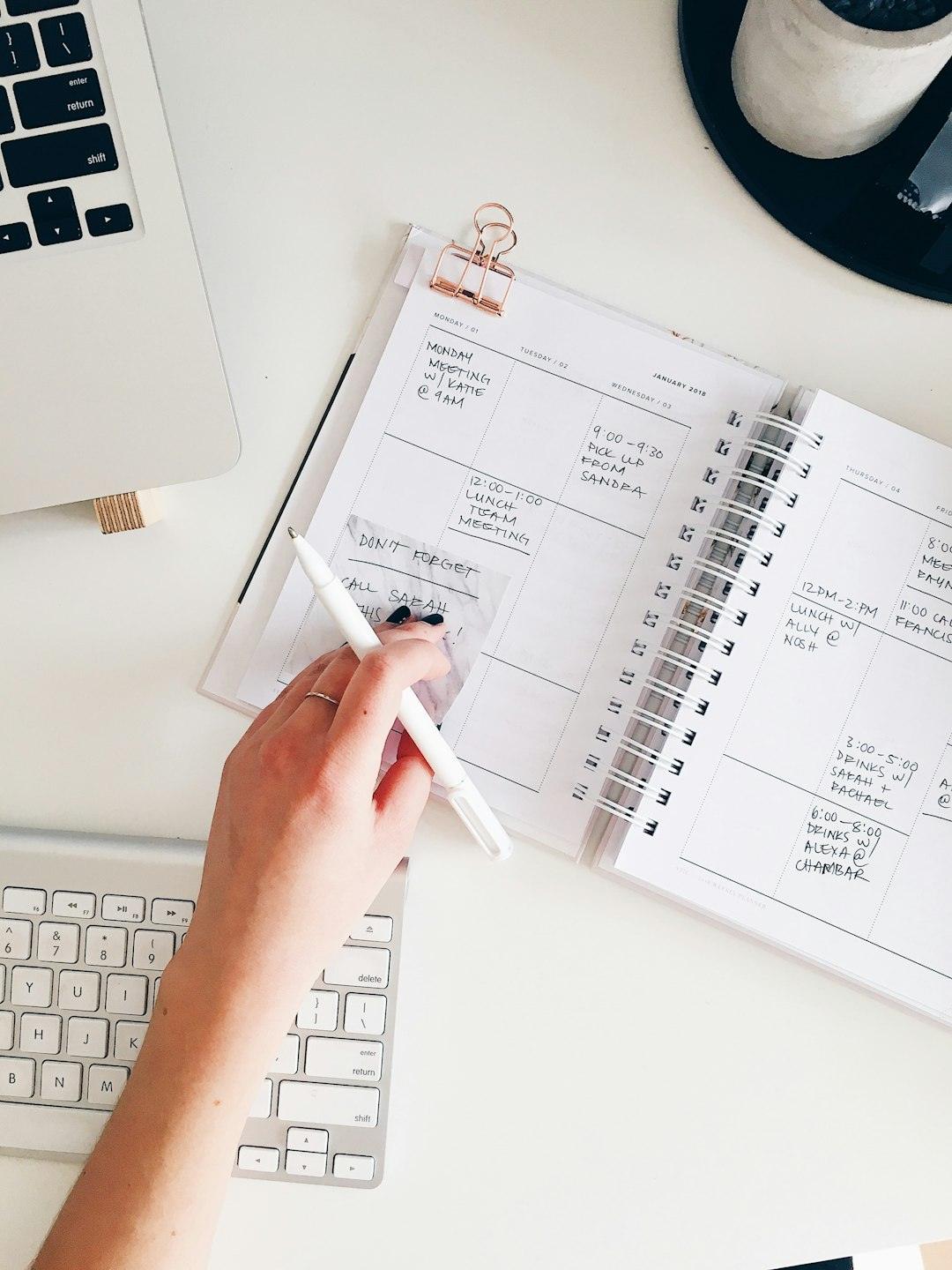
Quick Answer
Grab the tracker from the download box at the top of this post — it includes a weekly routine grid and a monthly habit chart in both PDF and spreadsheet form. The weekly grid groups tasks into categories (Morning, School Subjects, Chores, Evening) with a checkbox per day; the monthly chart tracks four to six target habits across all 31 days so kids can see streaks build.
How the Weekly Routine Tracker Is Laid Out
The printable is a single US Letter page, portrait orientation, split into four labeled sections instead of one long list — that’s the single biggest readability upgrade. Typical sections: Morning Routine (wake up, get dressed, breakfast, teeth), School Subjects (one row per subject — math, reading, writing, etc.), Chores (room, dishes, pet care), and Evening Routine (pack up, tidy desk, reading time, bedtime prep).
Each section is a row-per-task table with eight columns: the task name, then Monday through Sunday (or just your school days), each with a checkbox cell. A narrow Notes column runs down the right edge for quick comments, like a missed lesson or why a chore got skipped. If you have more than one child, print a separate sheet per student or use the spreadsheet version’s extra tab to duplicate the grid.
At the bottom of the week, there’s a short summary row to tally total checkmarks or jot which habits need more attention next week — it turns the sheet from a static checklist into something you actually review.
The Monthly Habit Chart
Weekly grids suit routines, but habits you’re trying to build over time (daily reading, independent chores, screen-time limits) are easier to track on a monthly grid: up to six habits listed down the left column, dates 1–31 across the top, one checkbox per day. Seeing a full month of checkmarks in a row is motivating in a way a single week isn’t — kids notice streaks and want to keep them going.
The spreadsheet version puts this on its own tab (separate from the weekly tab) so a month of data doesn’t crowd the weekly view. Keep it to four to six habits at a time — tracking everything at once turns the page into a chore list rather than a habit-building tool, and kids disengage faster from a crowded grid than a focused one.
Recreating the Layout in Notion
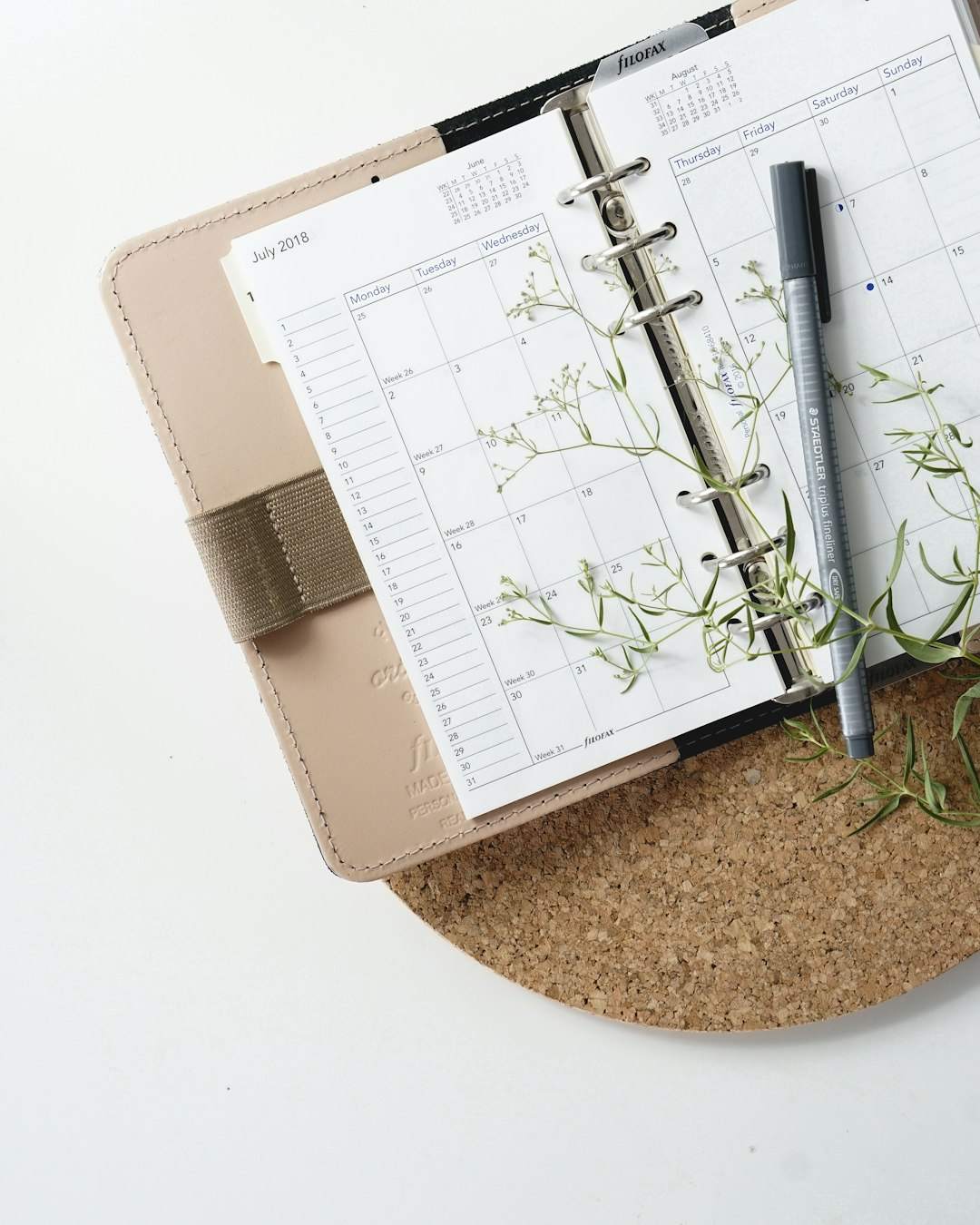
If you want an interactive, digital version alongside the printable, the same structure maps directly onto a Notion database. Create one page with a database that has these properties: Day (date), Category (select — Morning, School, Chores, Evening), Task (title/text), Student (select or person, if tracking multiple kids), and Status (checkbox or a status property for done/not done).
From there, build a few views on top of the same data: a weekly calendar view for the day-by-day grid, a board view grouped by Category so each section shows as its own column, and a filtered view per student if you’re homeschooling more than one child. Notion’s free plan gives a single-person workspace unlimited pages and blocks, which covers this entire system — you’d only need a paid plan if you’re inviting more external guests to edit than the free plan’s guest limit allows, such as a co-teaching parent or tutor.
Tips and Common Mistakes
Don’t start with too many habits — four to six per child is plenty; adding everything at once is the fastest way to make the tracker feel like a punishment list instead of a tool. Let kids check their own boxes; ownership matters more than perfect consistency. Reset the weekly sheet on the same day every week (Sunday night or Monday morning) so it becomes part of the routine itself, not an extra task you have to remember. Finally, don’t treat a missed day as a broken streak — one blank box is normal; the monthly chart is there to show the overall pattern, not to punish a single off day.
Explore more: Browse more habit-tracking templates.
Notion homeschool habit tracker FAQs
Is this homeschool tracker really free?
Yes — both the printable PDF and the spreadsheet (XLSX) version are free to download from the box at the top of this post, no sign-up required.
How many habits should I track for one child at a time?
Four to six is a good range. Fewer habits means each one gets real attention; a crowded tracker tends to get ignored.
Can I use this tracker for more than one kid?
Yes. Print a separate sheet per child, use a separate tab in the spreadsheet version for each student, or in Notion, add a Student property and filter a separate view for each child.
Skip the Spreadsheet — Track It in ZenDuel
Habit streaks, mood tracking, and accountability duels in one free app — no template maintenance required. Get ZenDuel.
Want a calmer inbox? Subscribe to the free newsletter.
Photo by Marissa Grootes on Unsplash.