Most free habit tracker printables online are designed with small grids and tiny checkboxes that are hard to read for anyone with low vision or age-related vision changes like macular degeneration, glaucoma, or cataracts. The fix isn’t finding a special “senior” product — it’s building a tracker with the right font size, contrast, and layout, which you can do for free in a few minutes.
Table of Contents
Below is a quick-start method using free tools (Canva or Google Docs/Sheets), the specific print settings that make text easier to read, and a few common mistakes that make otherwise good trackers frustrating to use.
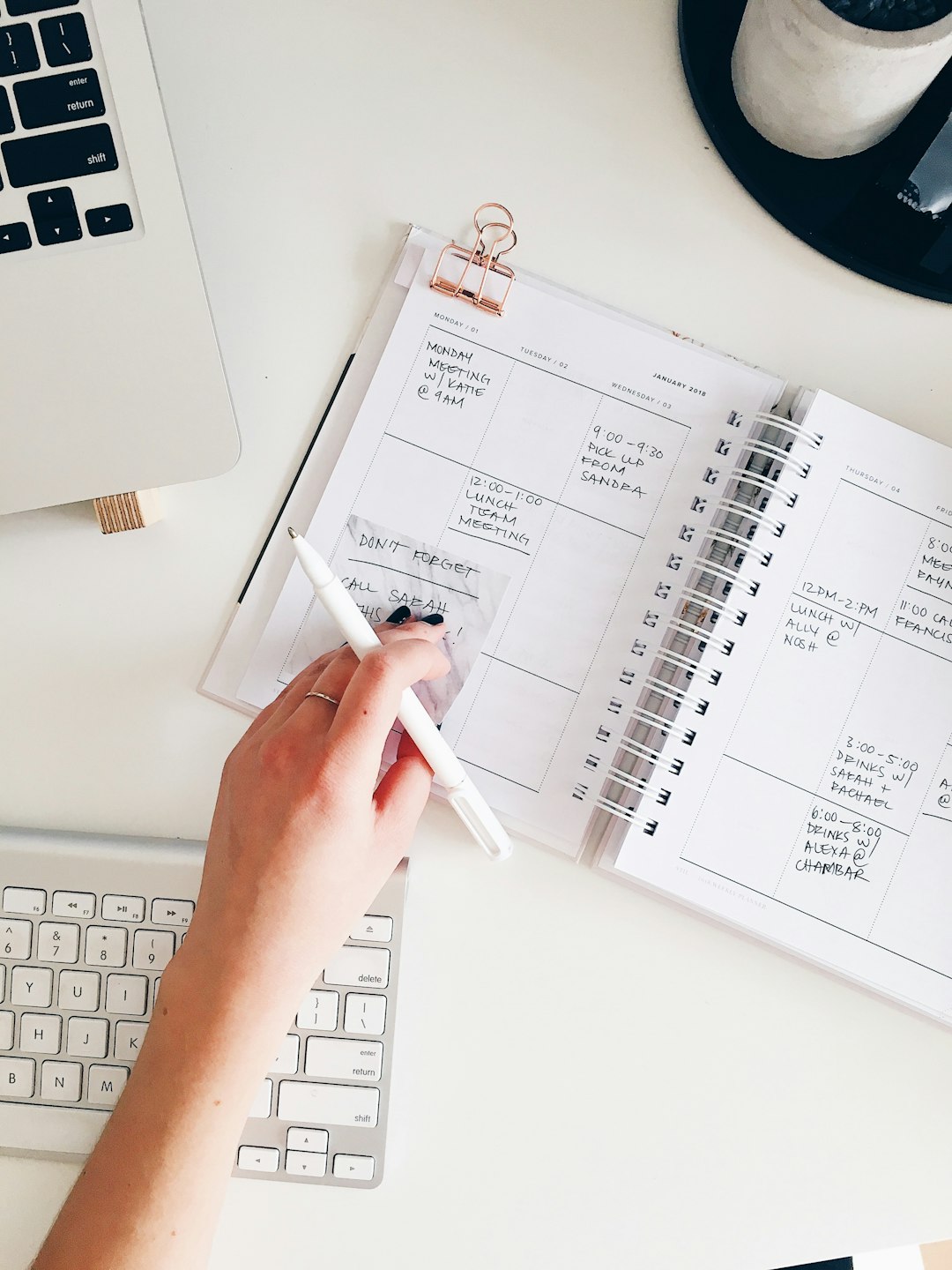
Download the Free Large-Print Habit Tracker PDF
Our own printable — free, no sign-up, no email required. Big 17-pt text, thick dark lines, five habits, one week per page. Landscape US Letter (prints fine on A4).
Quick Answer
Take any free printable habit tracker template, open it in a free editor like Canva or Google Docs, and increase the habit labels and checkbox grid to at least 16-18 point sans-serif font (Arial or a similar plain typeface) with black text on a matte white or cream background. Print it at full page size — one week or one habit per page works better than cramming a full month onto a single sheet.
How to Build One in Under 10 Minutes
Start with a free base template rather than designing from scratch. Canva’s template library has a free “Habits” category with printable trackers you can open and edit with a free account, and Google Docs/Sheets both have simple table layouts you can build directly if you’d rather not create an account anywhere else. Pick a simple grid: habit names down the left, days of the week across the top.
Once it’s open, resize the text. In Canva or Google Docs, select the habit-name and day-label text and bump the font size up — aim for 16 point as a working minimum and 18 point if the page has room, which matches the size most low-vision and large-print guidelines recommend for printed material. Switch the font to a plain sans-serif like Arial or Helvetica; avoid script, condensed, or decorative fonts even for headers.
Enlarge the checkboxes or circles too, not just the text — a tiny 0.2-inch box is hard to mark accurately with reduced fine motor control or vision. Make each box at least 0.4-0.5 inches square so it’s easy to see and check with a pen.
Before printing, switch to pure black text on a plain white or soft cream background and remove decorative watermark-style graphics behind the grid, since busy backgrounds reduce contrast and make text harder to isolate. Print one sheet per week instead of squeezing a full month onto one page — fewer, bigger cells beat a dense grid every time.
Font, Spacing, and Paper Tips That Actually Matter
Size isn’t the only thing that affects readability. Line spacing of at least 1.5x the font size and generous space between rows keeps the eye from losing its place moving across the tracker. Avoid italics and all-capital-letter labels — lower-case and standard sentence case are easier for low-vision readers to recognize by word shape.
Print on matte paper, not glossy photo paper, since glare from a shiny surface can wash out text under overhead or lamp lighting. If you’re printing at home, most inkjet and laser printers default to matte or plain paper settings already — just avoid glossy photo stock.
If a family member or caregiver is setting this up for someone else, ask what habits actually matter to that person (medication, water, a short walk, a phone call) rather than importing a generic productivity list — a tracker with 3-5 relevant habits gets used; one with 15 generic ones usually doesn’t.
If a printed tracker isn’t practical, a phone or tablet works too: both iOS and Android let you increase system-wide text size and turn on bold text under their built-in Accessibility settings, and most basic habit-tracking apps will respect that larger text size automatically.
Tips / Common Mistakes
Don’t reuse a tracker designed for a full month if the goal is daily use by someone with low vision — a weekly sheet with bigger boxes is easier to manage and less discouraging than a cramped monthly grid. Don’t rely on color alone to mark completion (a light yellow highlight can be invisible to someone with reduced contrast sensitivity) — a bold black checkmark or filled-in box is more reliable. Don’t laminate the tracker if it will be marked with a standard pen, since laminate creates glare and needs a dry-erase marker, which some older adults find harder to control precisely. Finally, test the printed page yourself at arm’s length in the room’s normal lighting before finalizing it — what looks fine on a bright screen doesn’t always hold up on paper under a dim lamp.
Explore more: Browse more habit-building guides.
Large-Print Habit Tracker for Seniors FAQs
What font size counts as “large print” for a habit tracker?
Most low-vision and accessibility guidelines put the large-print baseline at 18-point Arial or a similar plain sans-serif font, with 16 point as an acceptable minimum if space is tight.
Do I need special software to make a large-print habit tracker?
No. A free Canva account or Google Docs/Sheets is enough to resize text, adjust contrast, and print a custom tracker at home.
Is a printed tracker better than an app for seniors?
It depends on the person. A printed tracker needs no login or device, but a phone or tablet app has the advantage of adjustable system-wide text size through built-in accessibility settings, plus reminders. Many people do best with whichever one they already reach for daily.
What’s the easiest habit tracker layout for someone with low vision?
A weekly (not monthly) grid with 3-5 habits, large checkboxes of at least 0.4-0.5 inches, and one page per week is generally easier to read and mark accurately than a dense full-month calendar.
Skip the Spreadsheet — Track It in ZenDuel
Habit streaks, mood tracking, and accountability duels in one free app — no template maintenance required. Get ZenDuel.
Want a calmer inbox? Subscribe to the free newsletter.
Photo by Marissa Grootes on Unsplash.
