Working from home sounds simple until the laundry, the fridge, and the couch start competing with your to-do list. The difference between a remote day that flies by productively and one that dissolves into distraction usually comes down to habits, not willpower.
Table of Contents
This guide walks through the specific routines — workspace setup, time blocking, boundaries, and breaks — that help remote workers stay focused and avoid burnout, along with the mistakes that quietly undo all of it.

Quick Answer
Build work-from-home productivity by creating a dedicated workspace your brain associates only with work, starting and ending each day with a consistent ritual, blocking out chunks of time for focused work on your calendar, and setting firm boundaries around notifications and work hours so the job doesn’t bleed into the rest of your life.
Set Up a Workspace and Routine That Trains Your Brain
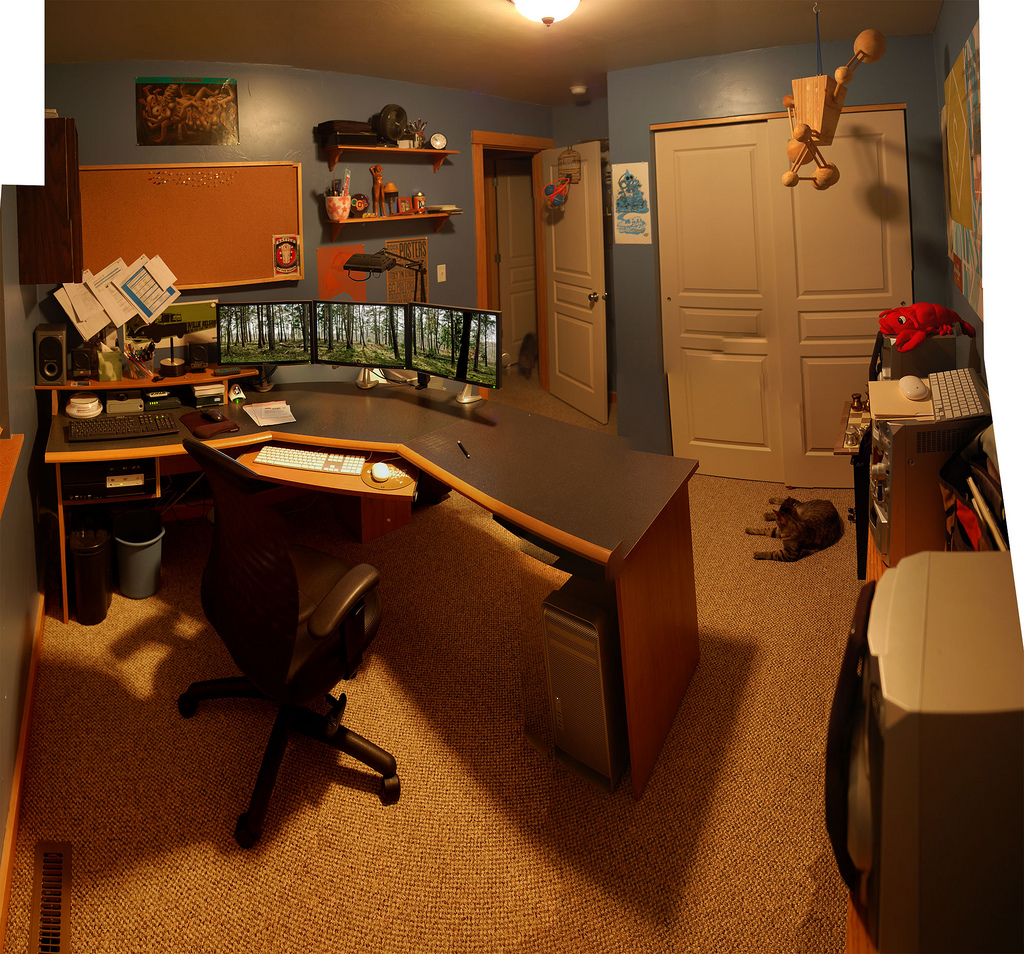
Claim a specific spot for work, even if it’s just a corner of a room rather than a full home office. The consistency matters more than the size: using the same spot every day teaches your brain to switch into focus mode when you sit down there, and to switch off when you leave. If you share a room, a bookshelf, curtain, or small divider creates enough of a visual break to reinforce the boundary.
Keep the essentials within reach — reliable internet, a comfortable chair, good lighting, and whatever software or tools you use daily — so you’re not breaking focus to hunt for something mid-task.
Build a short pre-work ritual that separates ‘waking up’ from ‘starting work.’ This can be as simple as getting dressed, making coffee, or a quick walk before logging on. It doesn’t need to be elaborate; it just needs to happen the same way most days so your body recognizes it as a cue.
Mirror that with an end-of-day ritual — closing the laptop, tidying the desk, or a short walk — so work has a clear stopping point instead of quietly running into the evening.
Protect Focus Time and Set Boundaries
Block two to four hours a day on your calendar for deep, uninterrupted work and mark it as busy or ‘focus time’ so coworkers can’t schedule over it. Batch email and Slack replies into set windows rather than reacting to every notification as it arrives — constant context-switching between messages and real work is one of the biggest hidden productivity drains for remote employees.
Use Do Not Disturb or focus modes in tools like Slack and Microsoft Teams outside your working hours, and mute channels that aren’t urgent. Set a firm end-of-day cutoff — many remote workers find it helpful to stop working at least an hour or two before bed — and put it on your calendar so it’s visible to others, not just something you privately intend to do.
Schedule breaks and movement the same way you’d schedule a meeting. A short walk, especially after lunch or during an afternoon energy dip, tends to do more for focus than pushing through at your desk. Without a commute or office cues to signal transitions, it’s easy to either overwork or lose the day to distraction — deliberately scheduled breaks and stop times replace the structure an office used to provide automatically.
Tips and Common Mistakes
Don’t skip changing out of pajamas or skipping a morning routine entirely — the absence of any transition ritual makes it harder for your brain to enter work mode, and easier to drift through the morning unfocused.
Avoid working from the couch or bed as a default. It blurs the line between rest space and work space, which makes it harder to unplug later and easier to feel like you’re ‘always at work.’
Resist the urge to leave every notification on ‘just in case.’ Constant pings fragment attention far more than batching messages a few times a day.
Don’t treat flexibility as an excuse to skip breaks. Remote workers are more prone to overworking than slacking off, since there’s no colleague walking by to suggest a coffee break or no obvious moment to clock out.
If you’re new to remote work, expect the first few weeks to feel less structured than you’d like — habits like time blocking and fixed start/end rituals typically take a few weeks of repetition before they feel automatic rather than forced.
Explore more: more habit-building guides.
work-from-home productivity habits FAQs
How long does it take to build a work-from-home routine?
Most people need a few weeks of consistent repetition before a new routine — like a morning ritual or time-blocked schedule — starts to feel automatic. Stick with a simple version of the habit rather than a complicated one, since simple routines are easier to repeat daily.
Do I need a separate home office to be productive?
No. A consistently used corner or desk works as well as a dedicated room, as long as it’s reserved for work and not shared with relaxation activities like watching TV or scrolling your phone.
What’s the biggest productivity killer when working from home?
Constant notifications and context-switching between messaging apps and focused work tend to do the most damage. Batching communication into set windows and protecting blocks of deep-work time on your calendar addresses this directly.
Build Better Habits With ZenDuel
Track your habits and mood, stay accountable, and build a calmer routine — get the ZenDuel app. Get ZenDuel.
Photo: Stubacca / CC BY-SA 3.0, via Wikimedia Commons.
